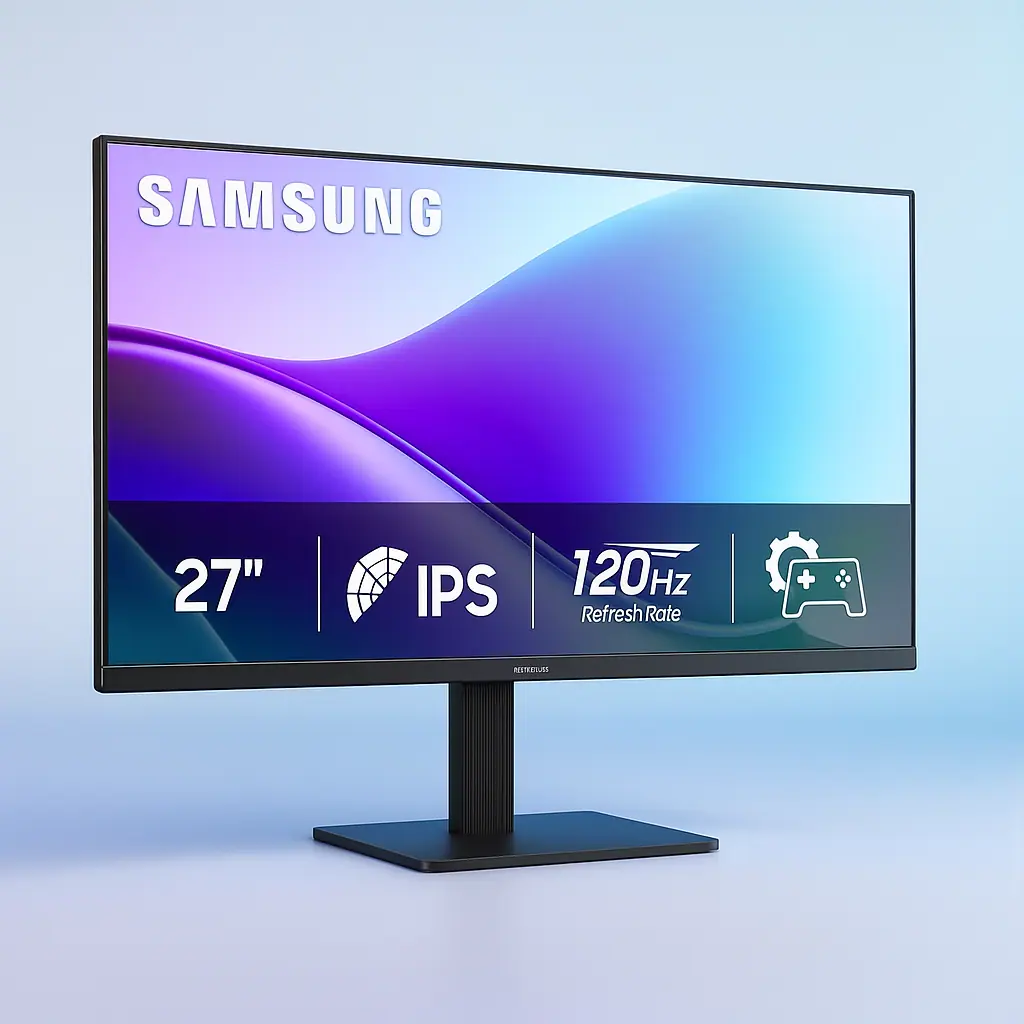
For the discerning photographer, monitor selection is paramount. True color fidelity, consistent performance, and relentless comfort are non-negotiable. The Samsung 27″ S3 (S32GF) emerges as a formidable contender for the best desktop monitor for photo editing, leveraging a precise IPS panel for unwavering color accuracy, a 120Hz refresh rate for impeccable temporal clarity, and advanced eye-care technology to sustain focus through extended creative sessions.
Unboxing and First Impressions: Sleek, Modern, All Business
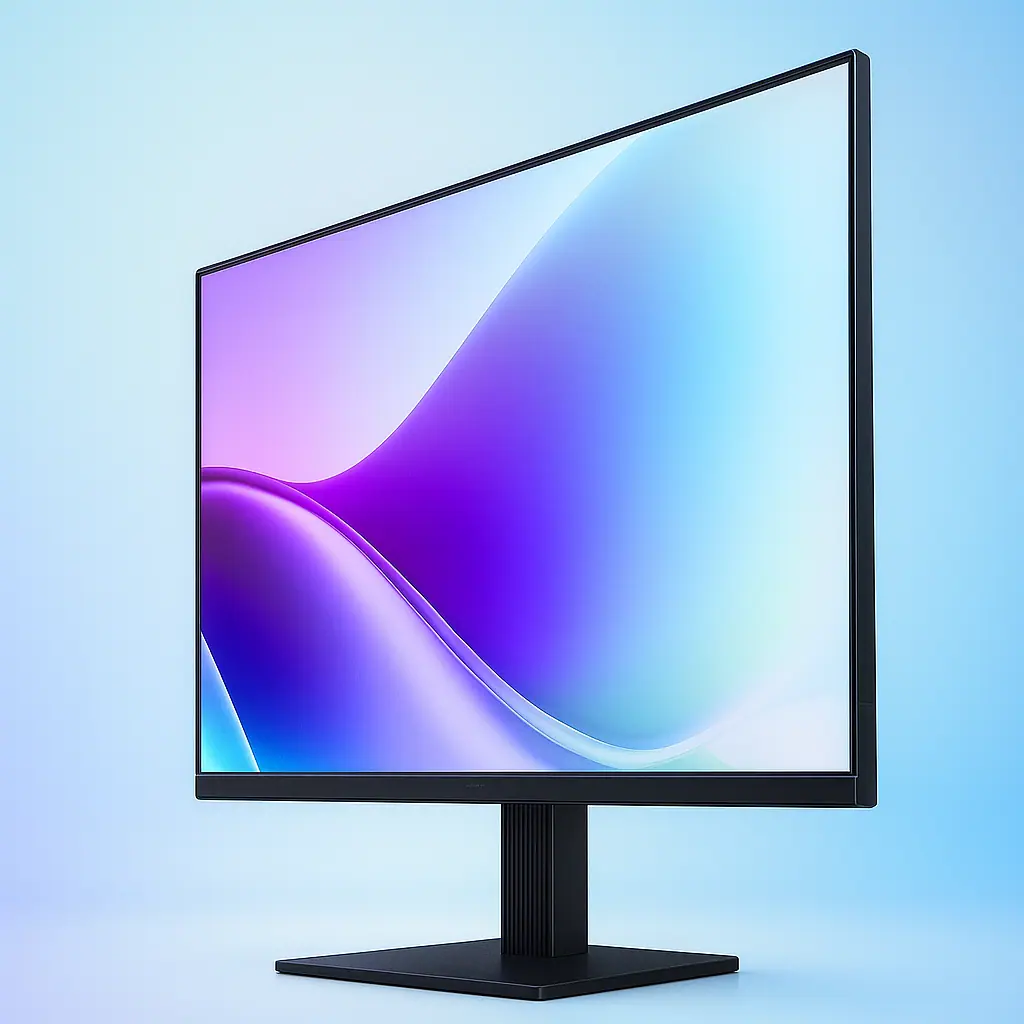
Right out of the box, the Samsung S32GF looks the part. The “modern aesthetic” isn’t just marketing fluff. The bezels are razor-thin, giving you a maximum screen-to-body ratio that’s all about the image, not the frame. The stand is straightforward and easy to assemble, and the whole unit feels surprisingly lightweight without feeling cheap. It’s a clean, black, professional piece of kit that won’t look out of place on a sleek, minimalist desk. The ports are easily accessible on the back, making setup a five-minute affair.
Why Display Tech is the Foundation for Any Creative Work
Before we dive deep into this specific model, let’s talk brass tacks. For any graphic work, the panel technology is everything. You’ve likely heard of TN (Twisted Nematic) and VA (Vertical Alignment) panels. TN is fast and cheap but has terrible color accuracy and viewing angles. VA has better contrast but can suffer from color shifting. Then there’s IPS (In-Plane Switching). IPS is the gold standard for color-critical work. It offers superior color reproduction and, crucially, incredible viewing angles. This means the color doesn’t shift when you move your head slightly up, down, or to the side. What you see is what you get, from any reasonable angle. This non-negotiable feature is why the best monitor for graphic work is almost always an IPS panel.
| Aspect Ratio | 16:9 |
|---|---|
| Screen Finish | Glossy |
| Contrast Ratio | 1000:1 |
| Refresh Rate | 120 Hz |
| Display Type | LCD |
| Display Technology | IPS |
| Viewing Angle | 178 Degrees |
| Brightness | 250 cd/m2 |
| Color Gamut | 0.72 |
| Has Color Screen | Yes |
| Picture Quality Enhancement Technology | IPS Panel |
Is the Samsung 27″ S3 the Ultimate Best Desktop Monitor for Photo Editing?
The quest for the best desktop monitor for photo editing ends with a balance of uncompromising color accuracy, seamless performance, and enduring comfort. This deep-dive review scrutinizes the Samsung 27″ S3 (S32GF) to determine if its feature set truly serves the rigorous demands of a photographer. We will dissect the practical implications of its core IPS panel technology, evaluating its ability to maintain color fidelity across wide 178-degree viewing angles—a critical factor for accurate editing.
Beyond static color, we’ll analyze the impact of its 120Hz refresh rate on the editing workflow, questioning whether this smoothness translates to tangible productivity gains during intensive retouching sessions. Furthermore, the review will provide a technical assessment of its FHD resolution within a 27-inch form factor, addressing the pivotal question of pixel density for detail-oriented work. Finally, we will validate the real-world efficacy of its Flicker-Free and Eye Saver Mode technologies during marathon editing timelines. This analysis aims to deliver a definitive verdict on whether the Samsung S3 earns the title of the best desktop monitor for photo editing for creators at every level.
Samsung 27″ S32GF: A Contender for the Best Desktop Monitor in 2025
Samsung isn’t playing around with this 2025 release. They’ve packed features that were once reserved for high-end models into a surprisingly accessible package. Let’s break down what this means for a creative professional.
Product Highlights & Deep-Dive – Best Desktop Monitor for Photo Editing
1. The IPS Panel: Where the Magic Happens
The Claim: “Vivid colors across the whole screen… Colors remain bright and clear across the screen, even when you change angles.”
The Reality Check: This is 100% the core strength of this monitor and the primary reason it’s in the conversation for the best desktop monitor for photo editing. The IPS panel delivers on its promise. I viewed my portfolio from every conceivable angle, and the color consistency was rock-solid. There was no noticeable gamma or color shift, which is a common failure point for inferior panels. This is critical when you’re showing a client a proof or when you simply lean back in your chair to assess your composition.
2. The Resolution & Pixel Density: The Honest Truth
The Spec: FHD (1920 x 1080 Pixels).
The Reality Check: Let’s be real here. For a 27-inch screen, 1080p is not the sharpest kid on the block. The pixel density (around 82 PPI) means that if you put your nose right up to the screen, you might perceive individual pixels, especially when reading small text. For pure, high-resolution photo editing where you need to see the finest details without any scaling, a 4K monitor would be superior. However, for many users, this is a non-issue. At a normal viewing distance of 2-3 feet, the image is perfectly sharp for most editing tasks. It’s a trade-off that keeps the price point aggressive and the performance smooth.
3. The 120Hz Game Changer (It’s Not Just for Gaming)
The Claim: “Smooth performance across various content… The 120Hz refresh rate reduces lag and motion blur.”
The Reality Check: You might think, “I’m editing photos, not playing Call of Duty. Why do I need 120Hz?” Trust me, once you use it, you can’t go back. The standard for most monitors is 60Hz, meaning the image refreshes 60 times per second. This monitor does it 120 times. The result? Everything is impossibly smooth. Scrolling through a long Lightroom catalog, panning across a massive Photoshop canvas, even just moving your mouse cursor—it all feels fluid and immediate. It reduces eye strain during long sessions and makes the entire computing experience feel more premium and responsive. It’s an underrated feature that seriously enhances workflow.
4. Color Gamut: The Professional’s Breakdown
The Spec: Color Gamut 0.72 (this typically refers to 72% NTSC coverage).
The Reality Check: This is the most critical spec for color work. 72% NTSC is roughly equivalent to ~99% sRGB. For the vast majority of photographers and web designers, sRGB is the target, as it’s the standard for web browsers and consumer devices. If your work lives online, on social media, or in print for standard commercial purposes, this monitor’s color coverage is spot-on. It comes well-calibrated from the factory, meaning colors are accurate out of the box. However, if your workflow requires working in wider color spaces like Adobe RGB or DCI-P3 for high-end printing or video, this is not the monitor for you. You’d need to look at a model with 90%+ DCI-P3 coverage.
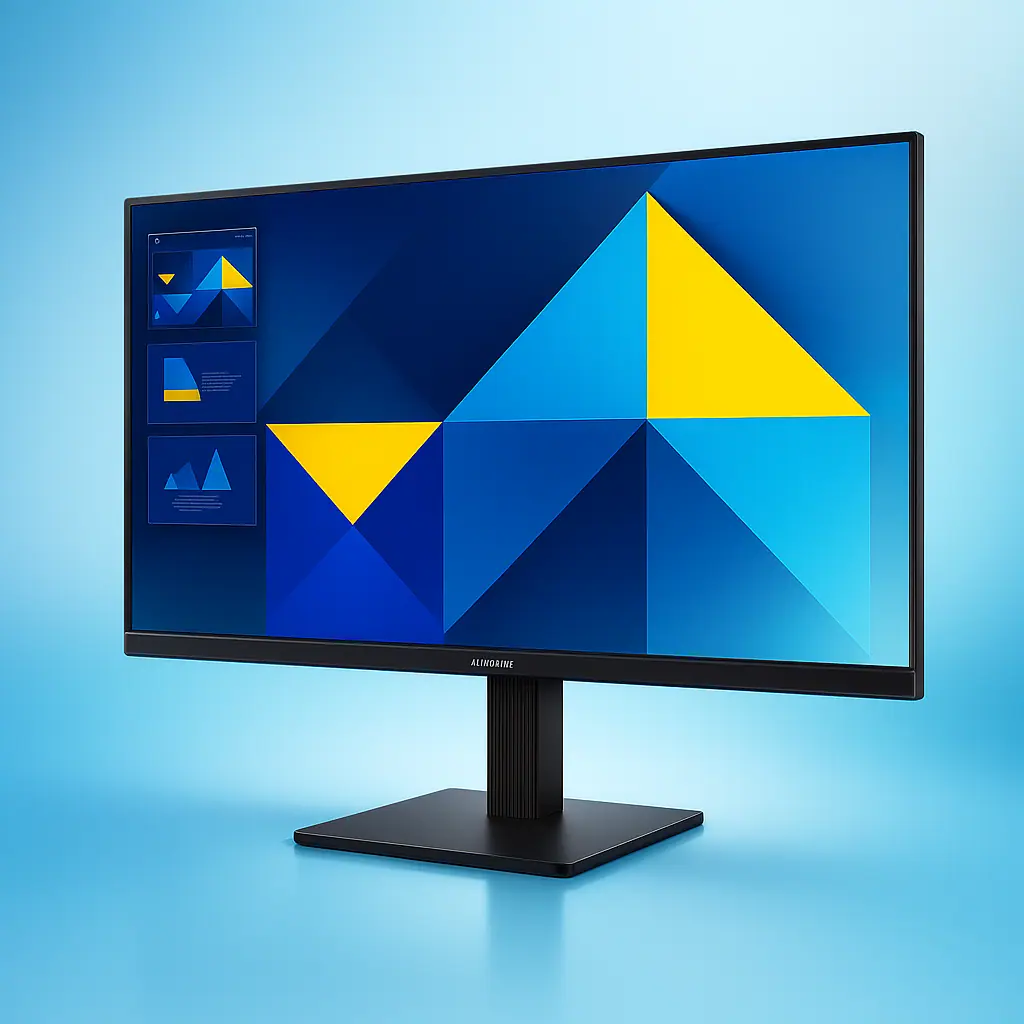
Mastering Your Craft: Best Desktop Monitor for Photo Editing – Samsung 27″ S3
Owning a tool is one thing; mastering its capabilities is another. The Samsung 27″ S3 (S32GF) isn’t just a display—it’s a calibrated canvas. To truly harness its power for precision work, you need to align your editing workflow with its specific technical strengths. When configured correctly, it solidifies its position as the best desktop monitor for photo editing for a significant segment of creators. Here’s how to edit with intention using its key specifications.
1. Leveraging the IPS Panel for Consistent Color Judgment
The cornerstone of this monitor is its IPS (In-Plane Switching) panel. This technology is your greatest ally against color shifts. Unlike other panel types, the IPS ensures that the hue, saturation, and brightness of a color remain consistent even when you view the screen from the side or slouch in your chair.
- Workflow Integration: Use this to your advantage. When making critical color adjustments—like balancing skin tones or fine-tuning a specific hue—consciously move your head. Check the color from a slightly different angle. On a inferior monitor, the color would change, leading to inaccurate edits. On the S3, the stability of the IPS panel gives you confidence that your edits are true, regardless of your viewing position. This reliability is fundamental for any serious photographer and is a key reason many seek out the best desktop monitor for photo editing.
2. Interpreting the sRGB Color Gamut for Accurate Output
The monitor covers approximately 99% of the sRGB color space. This is not a limitation but a specification to build your workflow around. sRGB is the universal standard for web browsers, social media, and most consumer-grade prints.
- Workflow Integration: Set your editing software (like Adobe Lightroom or Photoshop) to use the sRGB color profile as your working space. By working strictly within the sRGB gamut on a monitor that displays it accurately, you are practicing “what you see is what you get” editing. You will avoid the disappointment of editing a photo in a wider color space (like Adobe RGB) only to have it look desaturated and dull when uploaded online. The S3’s accurate sRGB representation is your guarantee that the vibrant blues and rich reds you edit will be the ones your audience sees. This precise color alignment is what makes a reliable best desktop monitor for photo editing.
3. Utilizing the 120Hz Refresh Rate for Precision and Comfort
While 120Hz is marketed for gaming, its benefit in photo editing is profound. It renders motion at 120 frames per second, making every on-screen action incredibly smooth.
- Workflow Integration: This smoothness translates directly to precision. When you are zoomed in at 400% to remove sensor dust or carefully dodge and burn, panning across the image is fluid, not jerky. This reduces visual fatigue and allows for more precise cursor control. Scrolling through thousands of images in your library becomes a seamless experience. This heightened responsiveness, often overlooked, is a significant quality-of-life upgrade that makes the Samsung S3 a strong contender for the best desktop monitor for photo editing, especially for editors who value a fluid workflow.
4. Employing Flicker-Free and Eye Saver Mode for Marathon Sessions
The technical specs mention Flicker-Free backlighting and a Blue Light reducer. These are not mere checkboxes; they are tools for sustainability.
- Workflow Integration: Activate the Eye Saver Mode from the monitor’s onboard menu before you begin a long editing session. This proactively reduces high-energy blue light emissions. Combined with the Flicker-Free technology, which eliminates the subtle screen pulsation that causes strain, you create a visually ergonomic environment. This allows you to maintain focus and color judgment for hours longer than on a standard monitor, preventing the fatigue that leads to poor editing decisions. For professionals who spend long hours at their desk, this feature is a critical component of the best desktop monitor for photo editing.
By understanding and intentionally using these specifications, you transform the Samsung 27″ S3 from a passive display into an active partner in your creative process. It provides a stable, accurate, and comfortable foundation, making a compelling case for itself as the best desktop monitor for photo editing for web-focused creators, allowing your technical skill and artistic vision to take center stage.
Is This the Best Monitor for Graphic Work on a Budget?
When you stack up the features—the accurate IPS panel, the buttery 120Hz refresh rate, and the sleek design—against its likely price point, the value proposition is immense. It delivers where it counts for most creatives. It provides a reliable, color-accurate canvas and a super-smooth user experience. For students, hobbyists, and professional freelancers whose primary output is for the sRGB color space, this monitor hits a serious sweet spot.
Everyday Usability: More Than Just Specs – Best Desktop Monitor for Photo Editing
Eye Comfort is a Productivity Feature
The “Easy on the Eyes” claim is backed by Flicker-Free technology and an Eye Saver Mode that reduces blue light emissions. After a 6-hour editing session, the difference was palpable. My usual end-of-day eye fatigue was significantly reduced. This isn’t a gimmick; it’s a legitimate feature that allows for longer, more productive, and healthier work periods.
Connectivity and Form
The “Connect to More” feature means you can easily plug in your laptop, a gaming console, or another device directly, making it a versatile hub for your desk. The VESA mount compatibility is also a huge plus, allowing you to mount it on a premium arm for ultimate ergonomics, freeing up desk space.
The Competition: How Does This Samsung Desktop Monitor Stack Up?
The 27-inch 1080p IPS space is competitive. Brands like LG, Dell, and ASUS all have offerings. The Samsung S32GF differentiates itself with the 120Hz refresh rate, which is still uncommon in this segment focused on creative work. Many competitors stick to 75Hz. This gives the Samsung a tangible performance advantage in everyday smoothness, not just gaming.
Is This the Best-Selling Desktop Monitor for Creatives?
It’s easy to see why this model is poised to be a best-selling desktop monitor. It packages a professional-grade IPS panel, a luxurious 120Hz refresh rate, and critical eye-comfort features into a sleek and affordable package. It understands the core needs of a modern creative professional.
Pros:
- Excellent color accuracy and consistency thanks to the IPS panel.
- 120Hz refresh rate makes all desktop navigation incredibly smooth.
- Flicker-Free and Blue Light Reduction are genuine game-changers for comfort.
- Sleek, minimalist design with ultra-thin bezels.
- Great value for the feature set.
Cons:
- 1080p resolution on a 27-inch screen may not be sharp enough for users requiring extreme detail.
- Color gamut is limited to ~99% sRGB, not suitable for Adobe RGB or DCI-P3 workflows.
- Brightness at 250 nits is adequate for indoor use but not for very bright rooms.
The Verdict:
So, is the Samsung 27″ S3 (S32GF) the best desktop monitor for photo editing? The answer is a resounding it depends. If your priority is razor-sharp 4K clarity or you work with wide color gamuts, look elsewhere. But if you are seeking a monitor that delivers exceptional color truthfulness within the sRGB space, a buttery-smooth user experience that 120Hz provides, and fantastic eye-comfort features for marathon sessions—all without breaking the bank—then this monitor is an absolutely stellar choice. It does nearly everything right for the majority of digital creatives, making it one of the most balanced and compelling displays on the market. For my money and my workflow, it’s a solid 9/10 and a tool I’ll be relying on daily.
While each product featured is independently selected by our editors, we may include paid promotion. This post contains Amazon affiliate links. If you buy something through our links, we may earn commission. thank you! For more information, see our terms of service.