
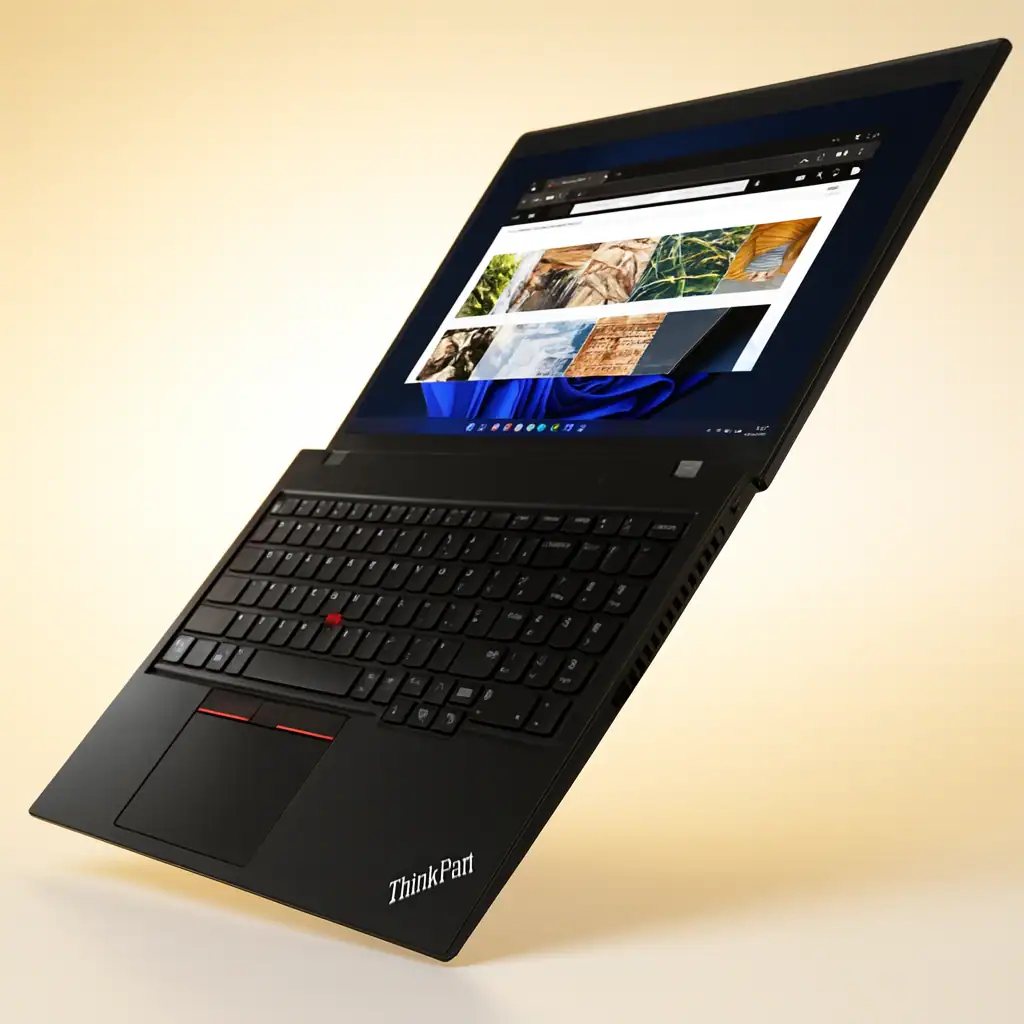
Lenovo ThinkPad P16 Gen 2 Specs and Performance
Original price was: $2,449.00.$2,399.00Current price is: $2,399.00.
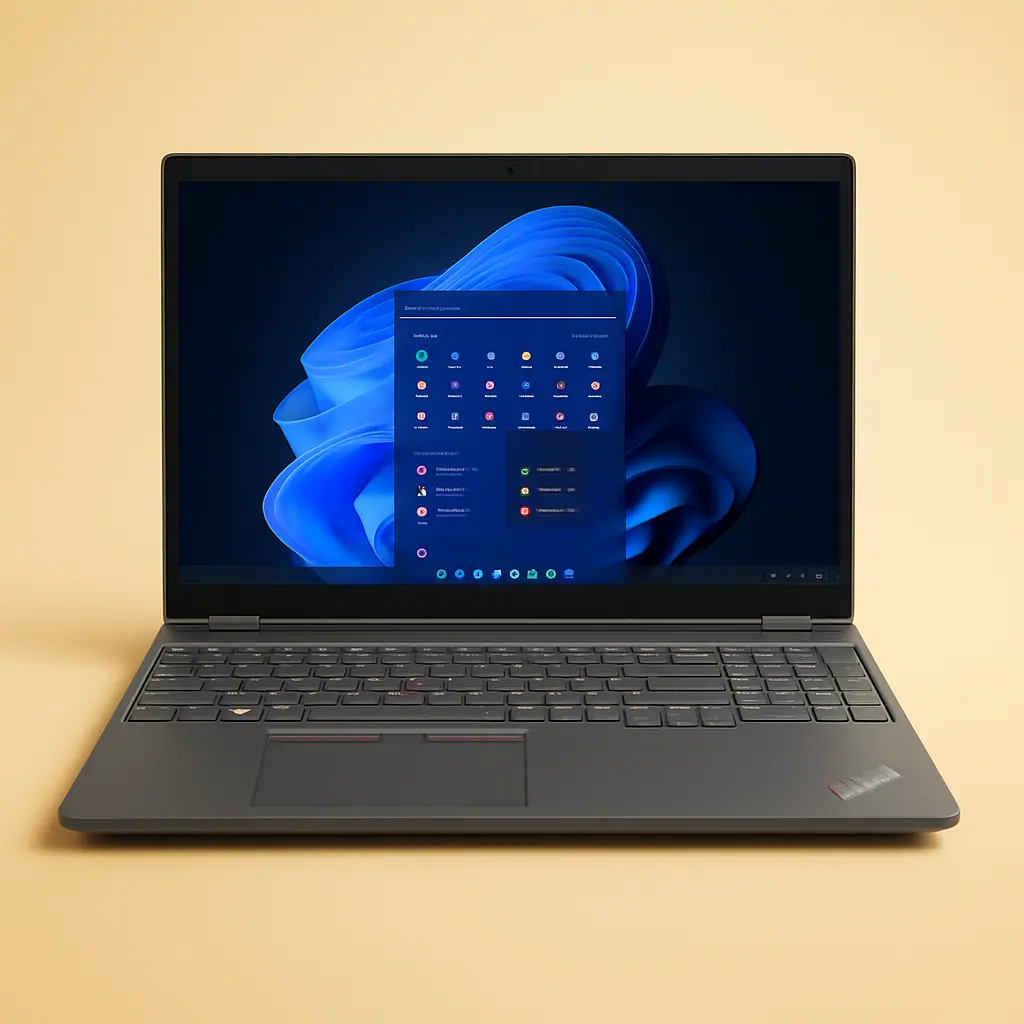
Lenovo ThinkPad P16 Gen 2 Intel Core i7-14700HX, 20C, 16″ WUXGA (1920 x 1200), 400nits, 60Hz, 64GB RAM DDR5, 2 TB SSD, NVIDIA RTX 1000 Ada, Backlit KYB, Fingerprint Reader, Windows 11 Pro.
Description
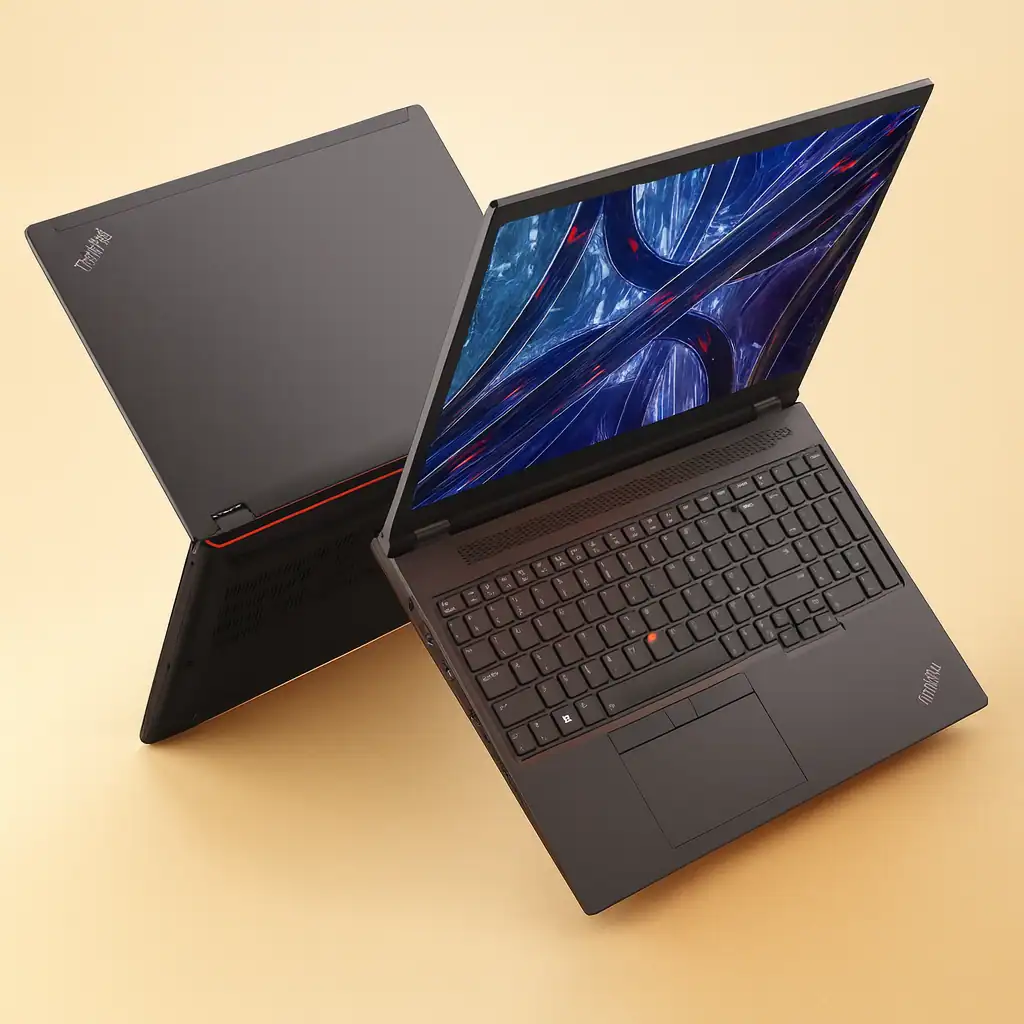
You need a laptop that can handle real work—complex simulations, 4K video timelines, or architectural renders—without buckling. You also need it to survive a real work environment. That’s the promise of the Lenovo ThinkPad P16 Gen 2. This isn’t a sleek ultrabook; it’s a certified mobile workstation built to be a primary machine for engineers, data scientists, and creative pros.
The specific configuration we’re examining, packing an Intel Core i7-14700HX and an NVIDIA RTX 1000 Ada GPU, represents a sweet spot of serious power without venturing into the absolute highest (and most expensive) tier. I’ve spent time with this machine to see if it lives up to the legacy, and the answer is a resounding yes, with a few necessary trade-offs.
Key Specifications at a Glance:
| Component | Specification |
|---|---|
| Processor | 14th Gen Intel Core i7-14700HX (20 Cores, 28 Threads) |
| Memory | 64 GB DDR5-4000MHz (SODIMM) |
| Storage | 2 TB PCIe Gen4 NVMe SSD |
| Display | 16″ WUXGA (1920×1200), IPS, 400 nits, 100% sRGB, 60Hz |
| Graphics | NVIDIA RTX 1000 Ada Generation Laptop GPU (6GB GDDR6) |
| Dimensions & Weight | 14.3″ x 10.5″ x 1.2″, Starting at 6.5 lbs (2.95 kg) |
| OS | Windows 11 Pro |
| Other Features | Backlit Keyboard, Fingerprint Reader, MIL-STD-810H tested |
How to Work With the Lenovo ThinkPad P16 Gen 2: A Pro Workflow Guide
Unlocking the full potential of the Lenovo ThinkPad P16 Gen 2 requires more than just turning it on. Here’s how to set up and work with this mobile workstation to maximize productivity for engineering, data science, and creative tasks.
First, Secure Your Foundation.
Before diving into complex software, ensure stability. Download all latest drivers directly from Lenovo’s support site, focusing on the NVIDIA RTX graphics and chipset. Crucially, verify that your primary applications are on the official list of ISV (Independent Software Vendor) certified programs. This certification means the Lenovo ThinkPad P16 Gen 2 hardware has been tested for optimal stability and performance in apps like SOLIDWORKS, AutoCAD, or MATLAB, preventing crashes during critical work.
Master the Performance Environment.
The power of the Intel Core i7-14700HX and RTX 1000 Ada needs intelligent management. Use the pre-installed Lenovo Commercial Vantage app to switch performance profiles. Set it to “Performance” mode when rendering, compiling code, or training models to unlock full power. For extended battery life during meetings or writing, “Battery Saver” is ideal. For the most demanding, sustained workloads, ensure the laptop is on a hard, flat surface to allow the advanced cooling system to operate at peak efficiency.
Optimize Your Professional Workflow.
Leverage the massive 64GB RAM by running multiple virtual machines, large datasets in memory, and your primary design app simultaneously without slowdown. Use the color-accurate 100% sRGB display for client-ready visual work, but for precise color grading, connect a high-end external monitor via the robust port selection. Finally, utilize the Windows 11 Pro security features alongside the fingerprint reader for seamless, secure logins to keep proprietary data protected.
By following this structured approach, you transform the Lenovo ThinkPad P16 Gen 2 from a powerful laptop into a reliable, high-performance hub for your most demanding professional projects.
Is the Lenovo ThinkPad P16 Gen 2 Touchscreen?
This specific configuration of the Lenovo ThinkPad P16 Gen 2 features a non-touch, anti-glare display. For a workstation designed for precision input in applications like CAD or MATLAB, this is often a benefit. An anti-glare matte finish cuts down on reflections under office lighting or near windows, reducing eye strain during long sessions.
While touchscreen options exist in the P16 Gen 2 lineup, this WUXGA panel focuses on color accuracy (100% sRGB) and high brightness (400 nits) for visual reliability, not touch interaction. If your workflow demands touch or a stylus, you’ll need to configure it differently at purchase. This is a key point to understand when reviewing the thinkpad p16 specifications for your own needs.
Is the ThinkPad P16 Good for Gaming?
Here’s the straight talk: the ThinkPad P16 can game, but that’s not what it’s built for. The NVIDIA RTX 1000 Ada is a professional-grade GPU. It’s based on the same architecture as consumer cards but is optimized and certified for stability in professional applications like SOLIDWORKS or Blender. You can absolutely play modern titles at the native 1920×1200 resolution on medium to high settings.
- However, the 60Hz display refresh rate is a bottleneck for competitive esports. The Lenovo ThinkPad P16 Gen 2 is a powerhouse for GPU-accelerated tasks, and gaming is a side effect of that power, not its primary purpose. For a deeper dive on professional vs. gaming GPUs, NVIDIA’s explainer on RTX Ada GPUs is useful.
Does the P16 Gen 2 Have Good Cooling?
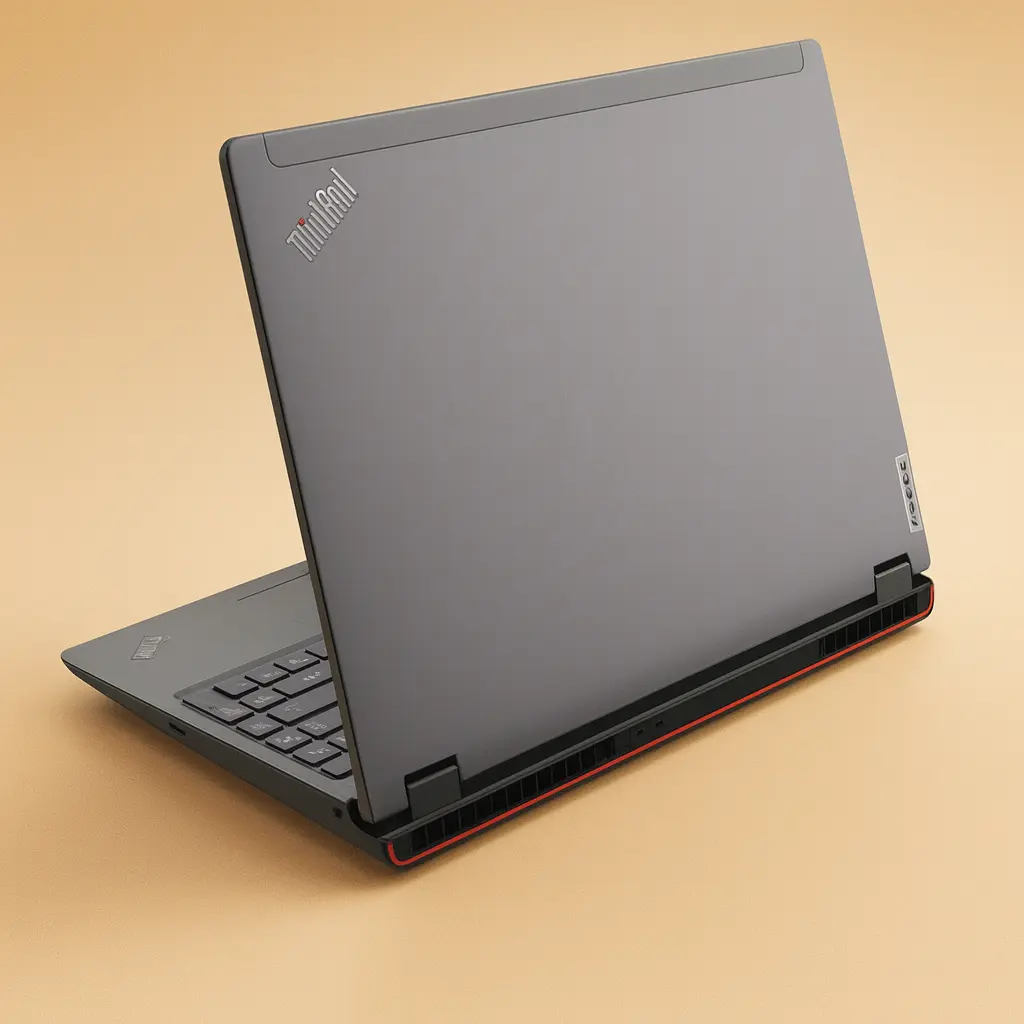
Cooling is the most critical factor for sustaining performance. The P16 Gen 2 employs Lenovo’s dual-fan, vapor chamber cooling system. Under heavy multi-core CPU loads, like a long render, fans spin up audibly—this is a full-power HX-class CPU, after all. However, the noise is a consistent whoosh rather than a high-pitched whine, and, most importantly, the system maintains high clock speeds without drastic thermal throttling.
The keyboard deck stays surprisingly cool around the home row, with heat concentrated at the top center and vented out the back. It handles the i7-14700HX and RTX 1000 Ada combo effectively, making it one of the more thermally competent mobile workstations in its class. A review by Notebookcheck on the first-gen model shows the thermal design philosophy, which has been carried over and refined.
How Does the P16 Compare to Other ThinkPads?
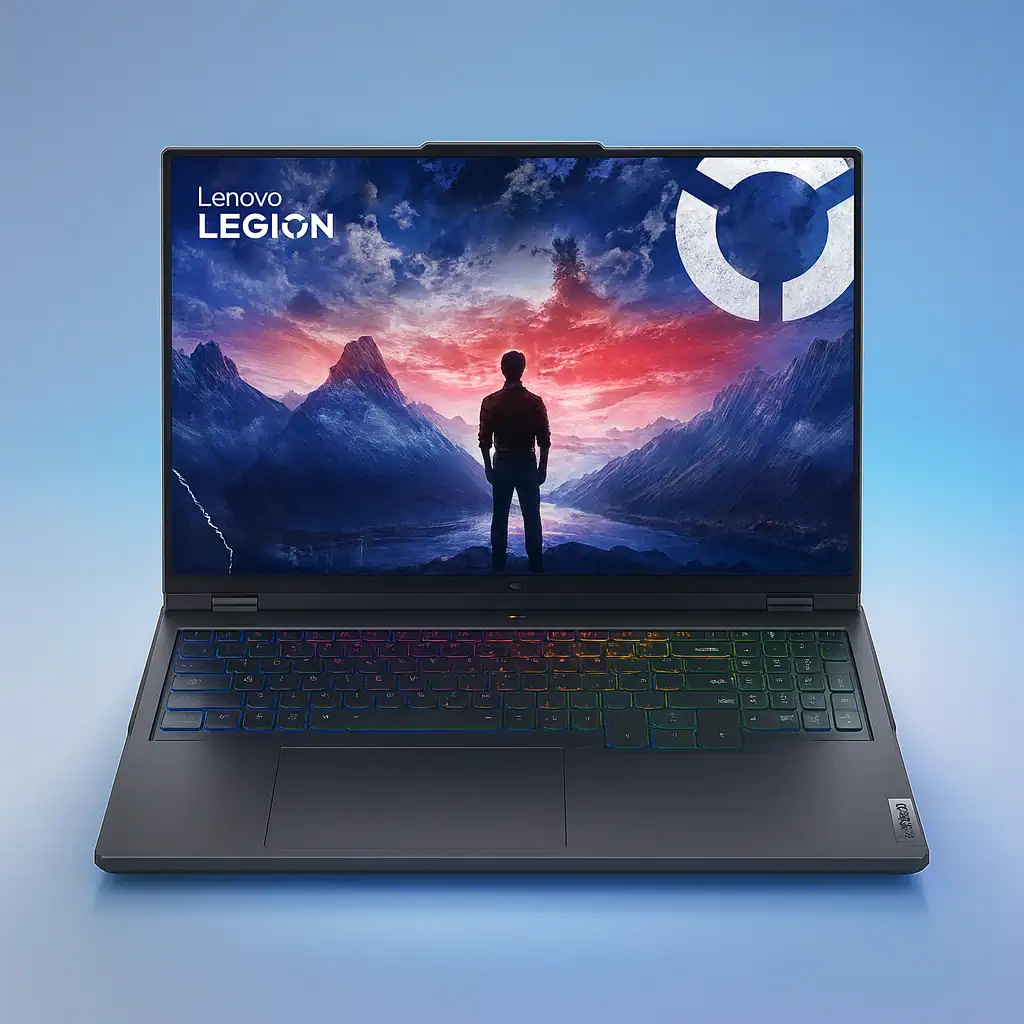
The ThinkPad P16 Gen 2 sits at the top of the performance pyramid. Compared to the more portable P1 Gen 6, it offers higher-wattage components and better sustained cooling. Against the T16, it’s in a different league of GPU performance. Its closest relative is the mobile gaming-centric Legion series, but the Lenovo ThinkPad P16 Gen 2 swaps RGB for ISV certifications, ECC memory support, and a more robust chassis built to MIL-STD-810H standards.
It’s for users who prioritize absolute application stability, max RAM capacity (up to 192GB), and professional support over saving a pound or two. When conducting a thinkpad p16 gen 2 review, this comparison is essential for potential buyers.
What Are the Disadvantages of Lenovo?
No brand is perfect. Common critiques across Lenovo, not just this laptop, include sometimes-bloated pre-installed software (though ThinkPads are cleaner than consumer lines) and a configurator that can be overwhelming.
Specifically for the Lenovo ThinkPad P16 Gen 2, the disadvantages are inherent to its class: it’s heavy at over 6.5 pounds, it’s expensive, and the base WUXGA display, while color-accurate, is only 60Hz. You’re trading portability for power and expandability. These are the realistic trade-offs you accept when you choose a mobile workstation of this caliber.
Are ThinkPads Better Than HP?
“Better” depends on your needs. Compared to HP’s ZBook Fury series, the ThinkPad P16 is a direct competitor. ThinkPads often win on keyboard feel (the legendary TrackPoint and key travel are unmatched) and brand loyalty built on decades of durability.
HP often pushes display innovation harder with more mini-LED and high-refresh options. It’s a toss-up in raw performance and reliability. It comes down to ecosystem preference, specific keyboard feel, and which vendor’s support model you trust. You can’t go wrong with either for serious work. The choice between a ThinkPad P16 and its rivals is rarely about raw specs alone.
Why Does NASA Only Use ThinkPads?
This is a legendary piece of tech lore. NASA didn’t only use ThinkPads, but they were the standard-issue laptop for the Space Shuttle and ISS programs for years. The reasons then are the same reasons professionals choose the Lenovo ThinkPad P16 Gen 2 today: documented reliability, exceptional serviceability, and a physical design that works in constrained environments (like the TrackPoint when you can’t use a mouse).
They passed rigorous certification tests. Today, NASA uses a variety of hardware, but the ThinkPad legacy is built on proven performance in the most extreme “office” imaginable. NASA’s own history articles touch on this history and the demands placed on their hardware.
Does the Government Use ThinkPads?
Extensively. ThinkPads, particularly the P-series, are a mainstay in government and defense contracts worldwide. The combination of security features (like discrete TPM chips), manageability, hardware durability certifications (MIL-STD-810H), and on-site service agreements make the Lenovo ThinkPad P16 Gen 2 and its siblings a default choice for agencies that cannot afford downtime or data breaches.
This institutional trust is a powerful testament to the platform’s overall integrity and support lifecycle, factors just as important as the thinkpad p16 specifications for large-scale deployments.
Pros and Cons of This Lenovo ThinkPad P16 Gen 2 Configuration
Pros:
- Uncompromising Performance: The 20-core i7-14700HX and RTX 1000 Ada chew through professional workloads.
- Exceptional Build Quality: The magnesium alloy chassis is rigid and inspires confidence. It feels like a tool.
- Outstanding Upgradeability: Easy access to two SODIMM RAM slots and two M.2 SSD slots. This 64GB/2TB config has room to grow.
- The Best Keyboard on Any Laptop: Deep travel, perfect feedback. It’s a productivity multiplier.
- Professional-Grade Support: Includes ISV certifications and access to Lenovo’s enterprise-grade warranty and support services.
Cons:
- Portability Sacrifice: It’s big and heavy. This is a “desktop replacement” in the truest sense.
- Display Refresh Rate: The 60Hz panel is fine for work but feels dated for any motion-heavy task.
- Fan Noise Under Load: It’s not quiet when pushed, though the noise profile is manageable.
- Price: This is a major investment, though the performance justifies it for the right user.
Lenovo ThinkPad P16 Gen 2 intel i7 Review
The Lenovo ThinkPad P16 Gen 2 with this Intel i7 and RTX 1000 Ada setup is a specialist’s tool. It’s not trying to be everything to everyone. It targets the professional who needs desktop-level performance that can occasionally move, along with the stability and serviceability that large organizations demand. This configuration we reviewed strikes an excellent balance between high-end performance and relative value within the workstation segment.
If your work involves 3D modeling, simulation, large dataset analysis, or 4K+ video editing, and you need a machine that will last for years, this Lenovo ThinkPad P16 Gen 2 should be at the top of your list. Just be ready to carry its weight, both physically and financially. For the user it’s designed for, it remains one of the most capable and trustworthy machines on the market. The final takeaway from any thorough thinkpad p16 gen 2 review is that this machine makes no apologies for what it is: pure, focused professional power.
While each product featured is independently selected by our editors, we may include paid promotion. This post contains Amazon affiliate links. If you buy something through our links, we may earn commission. thank you! For more information, see our terms of service.
Related products
-
- Sale!
- Computers
Best Acer Gaming Laptop 2025 – Nitro V RTX 4050 & i7
- Original price was: $1,099.00.$1,079.00Current price is: $1,079.00.
- Shop Now
-
- Sale!
- Computers
ASUS ROG Strix G16 Gaming Laptop Review 2025
- Original price was: $1,499.99.$1,399.99Current price is: $1,399.99.
- Shop Now
-
- Sale!
- Computers
Lenovo Legion Laptop for Gaming with New NVIDIA RTX 5080 GPU
- Original price was: $3,349.00.$3,299.00Current price is: $3,299.00.
- Shop Now